One thing I’ve wanted to explore more this year are digital methods to record inscriptions on stone with their monuments. What I really want to do is practice recording inscriptions using Reflectance Transformation Imaging, but this needs some basic kit that I haven’t yet got. For the moment, in a rather lazy betwixtmas sort of way, I’m simply taking my phone out and trying out some free 3D modelling apps to see what they can produce.
I’m hoping to record the two corbels and graffiti in the porch of St Mary’s Broughton (as long as nobody objects – once I’m ready to do some formal recording I’ll check with the church).
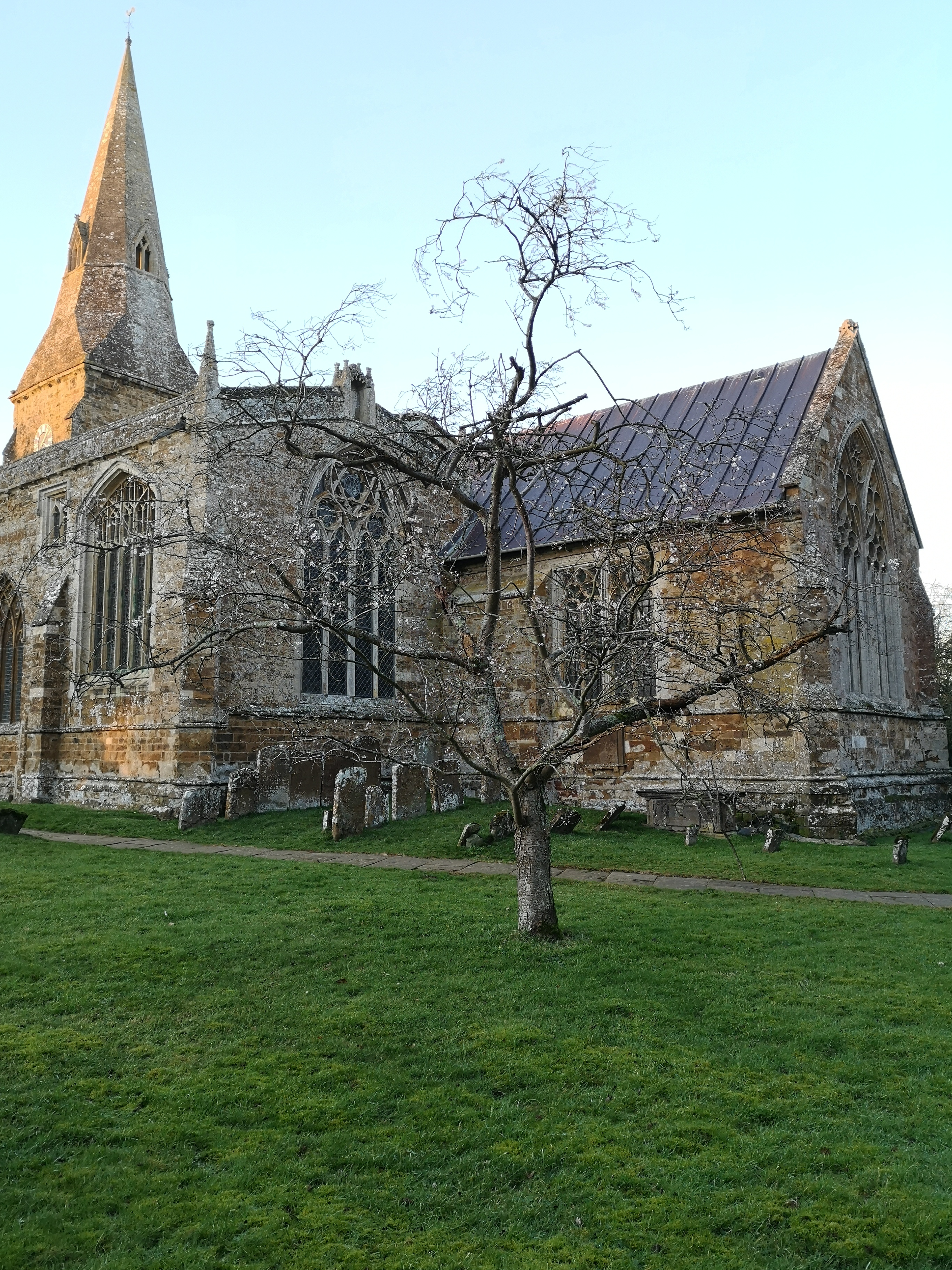
At the moment much of the church porch graffiti and one of the corbels, a lady with a wimple, is behind a Christmas tree so this shall have to wait a while.


The first of the apps I wanted to try out was called Widar (https://www.widar.io). It says its main goal is to be easy to use, and it gives very little information about how it produces its 3D models. For recording inscriptions it is preferable to know what methods are being used, because very tiny variations in recording can result in a misleading reading. Widar is not really designed for scanning flat surfaces with low profiles such as inscriptions.
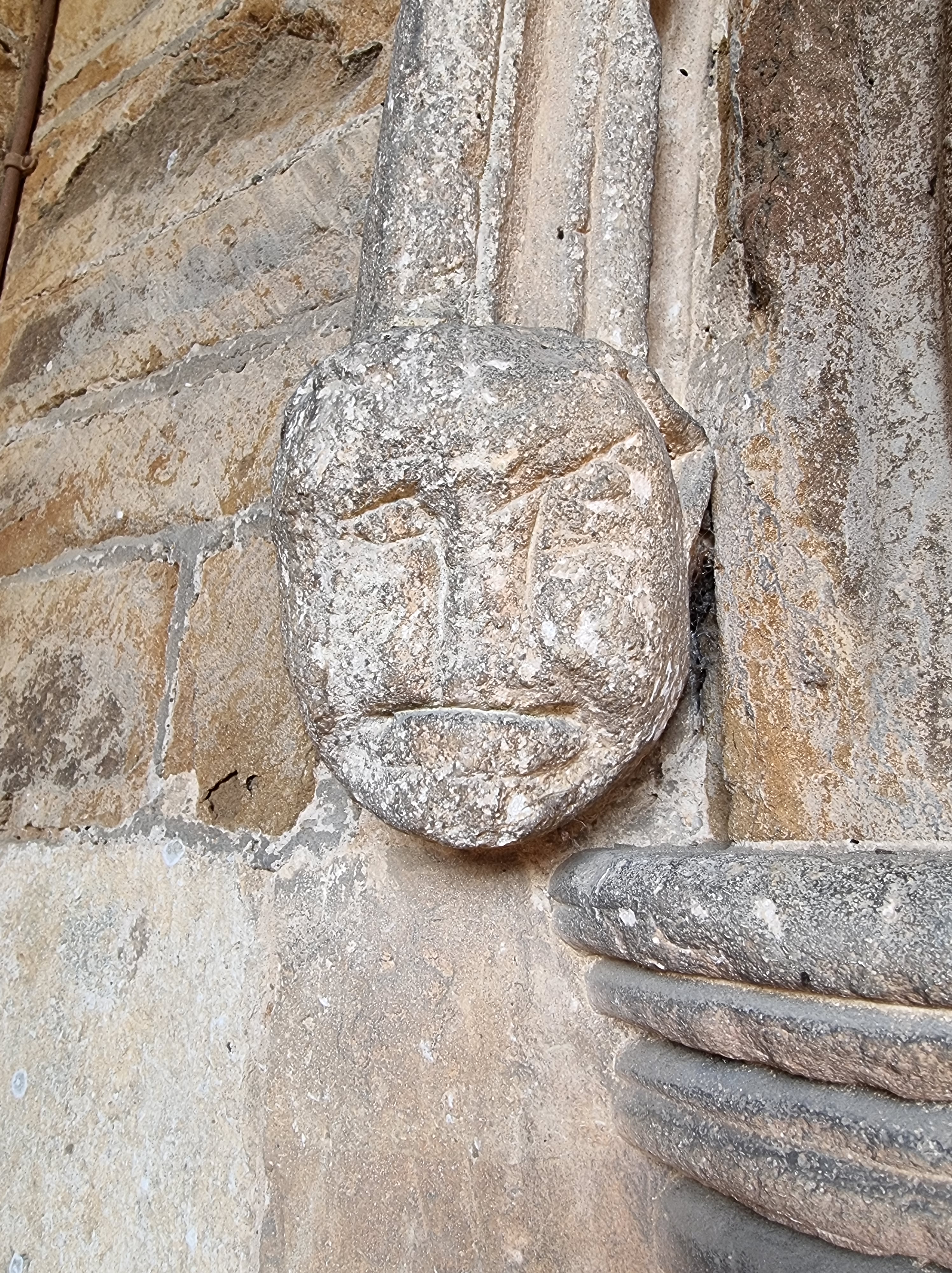
I decided to try it out on one of the corbels. This took two attempts because the app does not save the photographs before they are uploaded to its cloud storage. This is a problem where there is no wifi and either no phone signal (like here) so only one attempt can be made at a scan. In any case, uploading photos over a mobile network is data-heavy and can be slow. The app also failed to connect properly to my Google account and crashed, dumping my photos, so I needed to make a second visit.
The app is fairly straightforward to use, although there are no instructions. It seems to operate slightly differently depending on contextual factors it picks up. For the corbel it asked me to center the object in the oval frame the app gives you, then to move the camera along each side of the object while it takes 60 photographs.
When these were uploaded and processed it produced a reasonable model of the corbel although as you can see it didn’t pick up some of the detail of the face, and the images of the side aren’t very sharp, https://app.widar.io/yPc9TiCds1Dqwq9NA. This may be how the images are processed or could be the camera – the photographs are taken automatically so there is no option to adjust the focus at this point. I tried it out with my owl figurine, again with imperfect results – this time the app didn’t ask me to center the figurine and I simply moved the camera about until I was sure I’d captured all of it. https://app.widar.io/gz1YyQ571bnQ7AAK9
It is possible to download the model in a variety of file formats so that it can be imported e.g., into Blender or Unreal Engine for computer games but not in the free version of Widar app. For archaeological recording I am unsure that the level of detail captured is sufficient and out in the field what seems to be a requirement to upload data before it is reliably saved could be a problem.

 Dr. Claire Millington
You must be logged in to post a comment.